No public preview image is available.
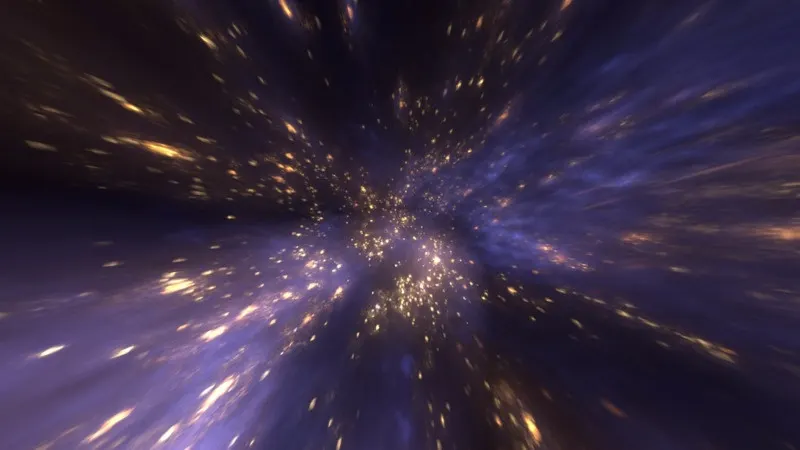
Digital Tutors - Creating a Nebula Effect Using FumeFX in 3DS Max
Duration 2h 20m Level Advanced Project Files Included MP4
Throughout these lessons we'll create visually dramatic nebula effect quickly and efficiently. We'll work with FumeFX and learn what to look for in a good effect. We'll also go through some simple techniques using a single simulation and interesting layers to get the passes you need to create a beautiful composition.
By the end of this tutorial you will have created a stunning effect as well as learned techniques that can be applied to a number of projects.
-
Introduction and project overview
-
Establishing our concept
-
Setting up our animatic
-
Creating a particle emitter
-
Using particles to create smoke
-
Animating our fume
-
Polishing our fume
-
Bringing our fume into the animatic
-
Kicking off our final simulation
-
Lighting and shading
-
Adding in RGB lights
-
Continuing to add RGB lights
-
Finalizing our lighting
-
Rendering our layers
-
Setting up our render passes
-
Finalizing our render
-
Merging our layers
-
Reviewing our final Composition