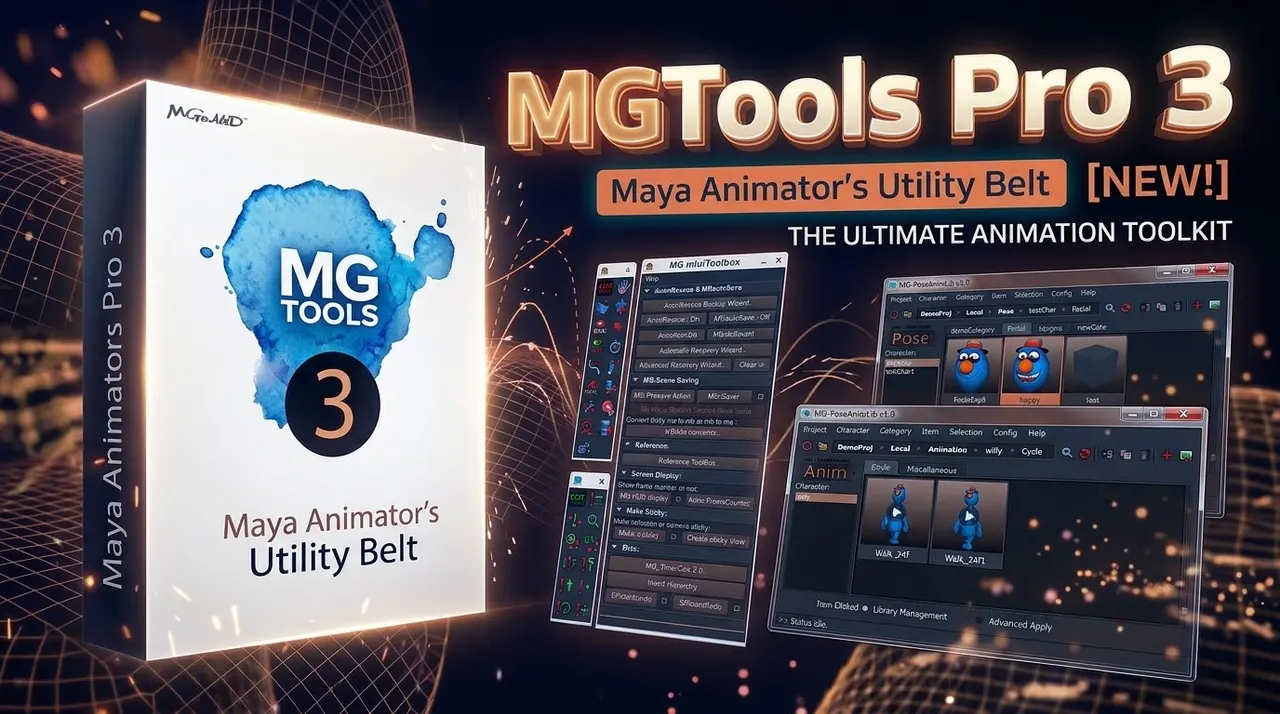
Autodesk Maya - Malcolm341 Mel Script Mega Pack - v20.1
Compatibility:
- Works on the newest version of Maya and old versions of Maya back to 2019
- Works on Maya 2018 update 6
- Works on Maya 2017 update 5
- Works on Maya Student
- Works on PC and Mac
How to Install the Scripts:
Close Maya.
Download the .zip file you purchased to your desktop.
Open the .zip file and copy the shelf file contained in it to your desktop.
Open Maya.
Click the gear icon in the top left corner of Maya and choose load shelf.
Browse to the shelf file you just copied to your desktop and load it.
You should now see a new shelf in Maya with the same name as the file on your desktop, it contains the scripts you purchased.
If you don't see any shelf names click the gear icon and turn on shelf tabs.
If you want to copy my scripts to a different shelf, hold Ctrl + Shift and Middle Mouse drag any of my shelf buttons to any other shelf. Make sure to keep holding Ctrl + Shift when you release the middle mouse button or the scripts will be moved rather than copied.
Quick Start Guide:
malcolm341.github.io/help/index.html#section_QuickStartGuide
You can support him here ->